Brisk finds duplicates, near-identical bursts and old screenshots in your photo library, shows the space you'll save, and clears it out one photo at a time.
Brisk reads your library on-device and groups what's redundant.
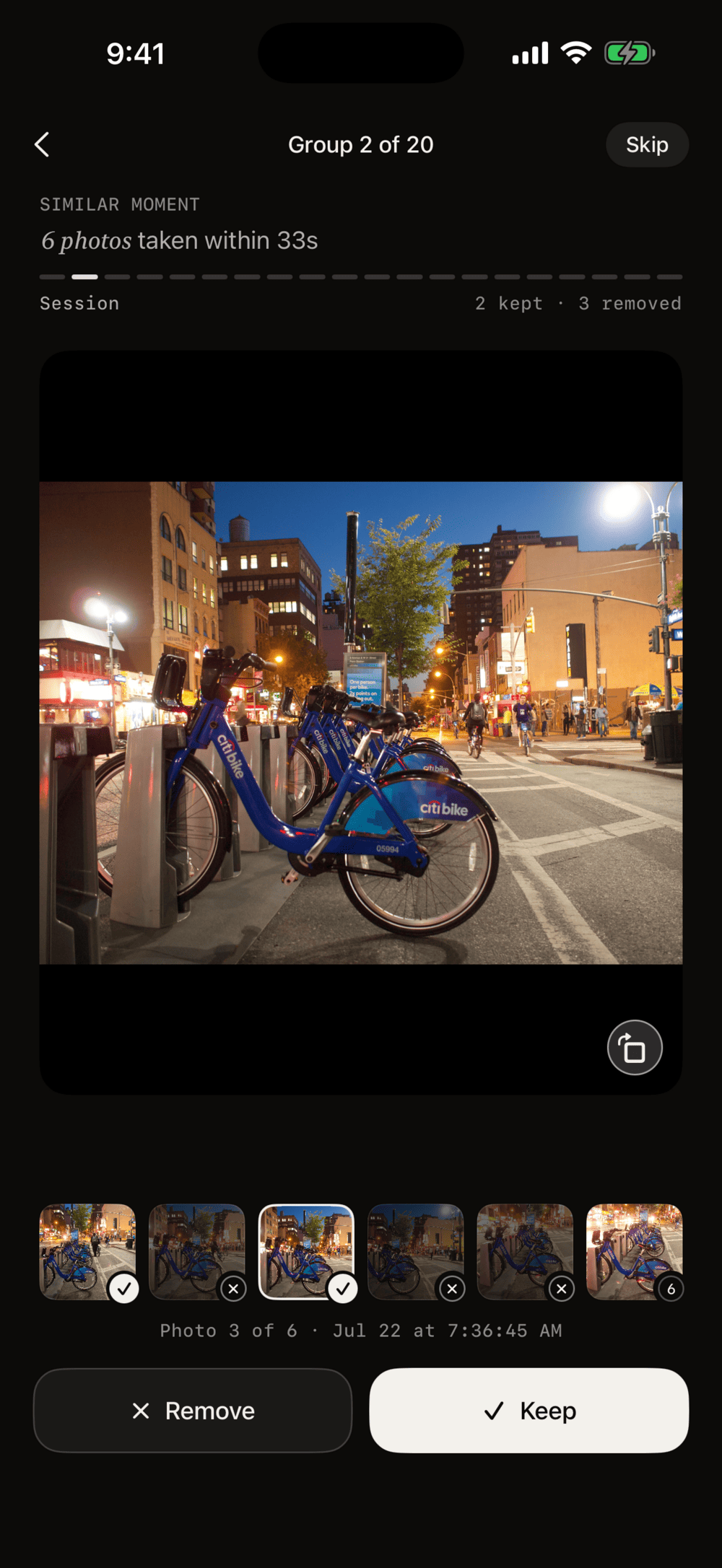
One photo at a time: keep or remove. Compare look-alikes side by side.
Confirm once. Everything goes to Recently Deleted, recoverable for 30 days.
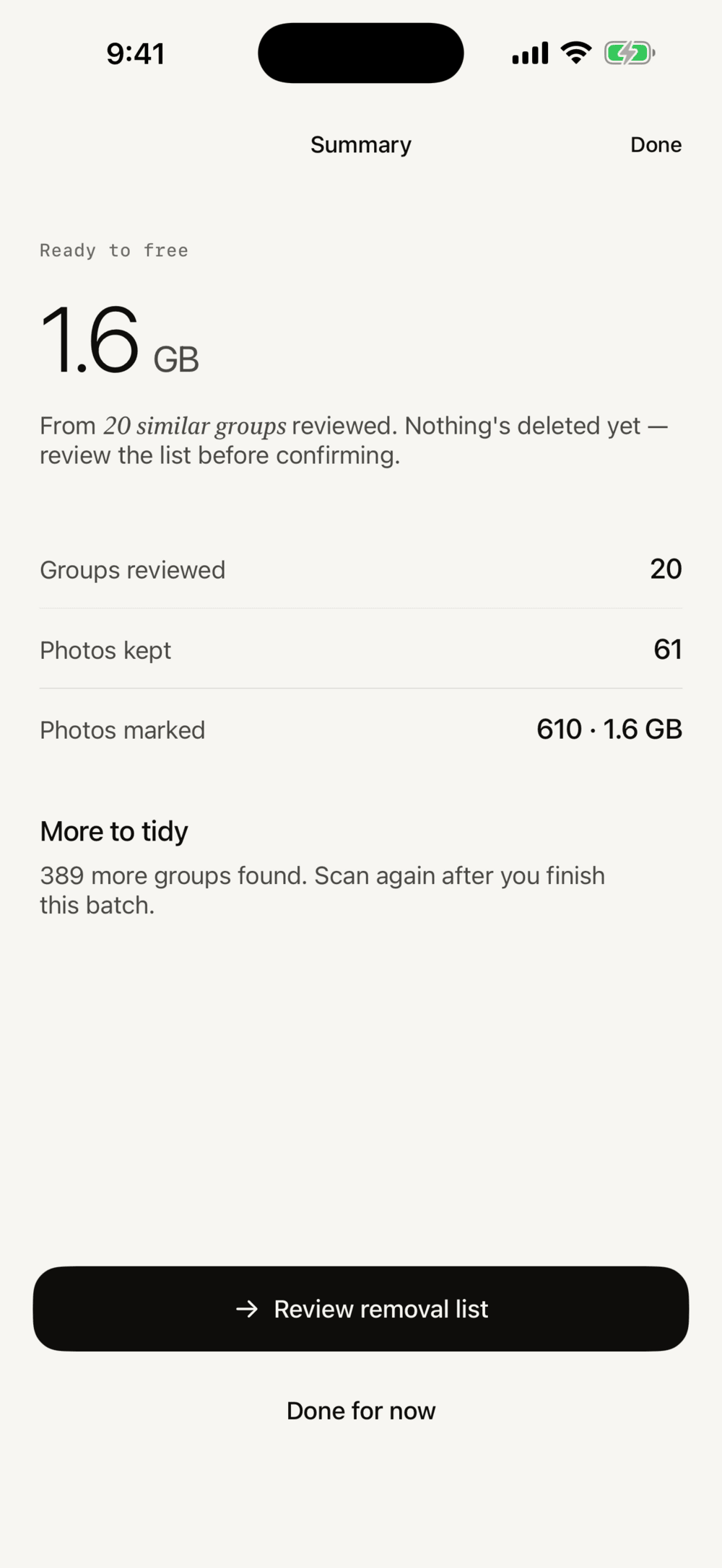
Every scan opens with one number: how much space is sitting in duplicates and bursts right now. Nothing is deleted until you say so.
1.6 GB from 20 similar groups.
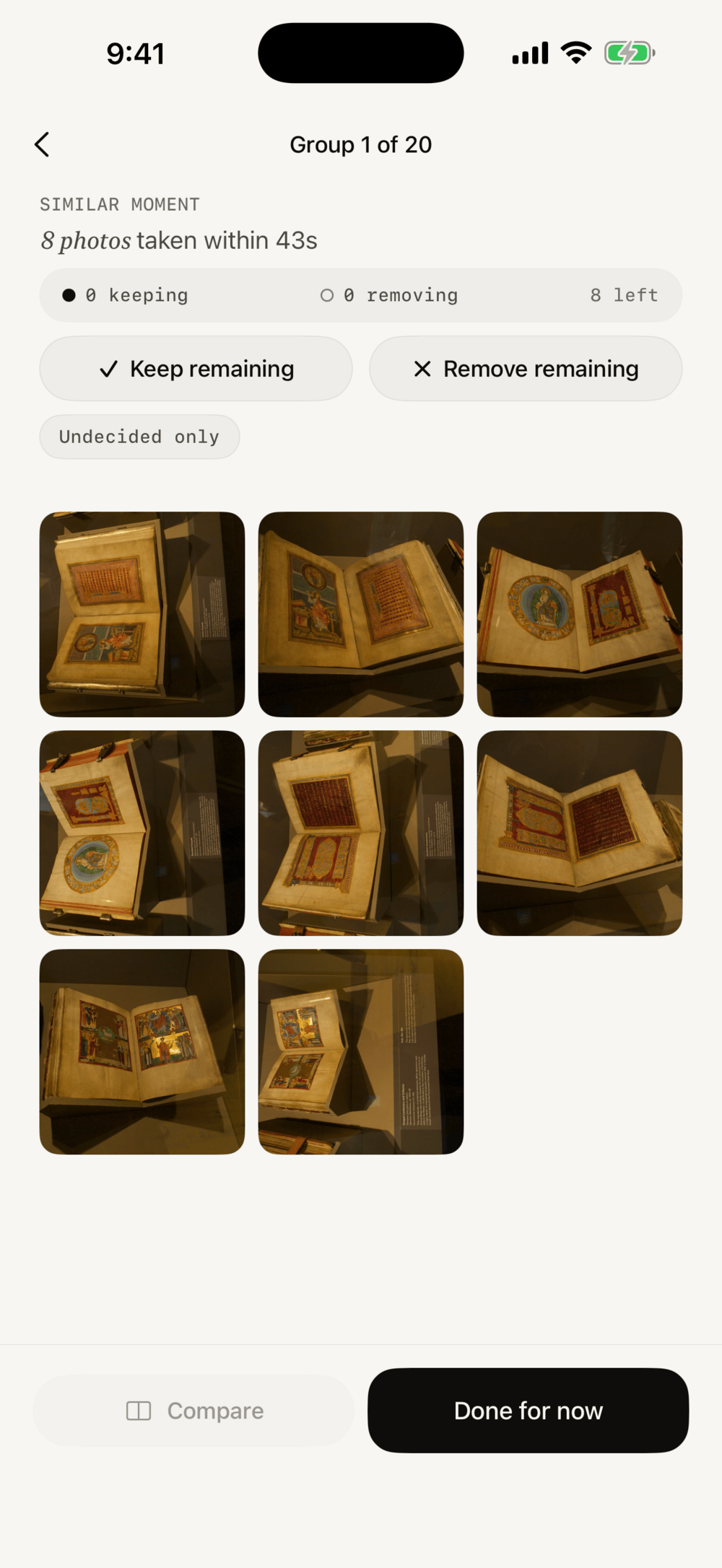
Every group says what it is and why it's grouped — a burst taken within seconds, an exact copy, an old screenshot. Keep or remove the whole group in one tap when it's obvious.
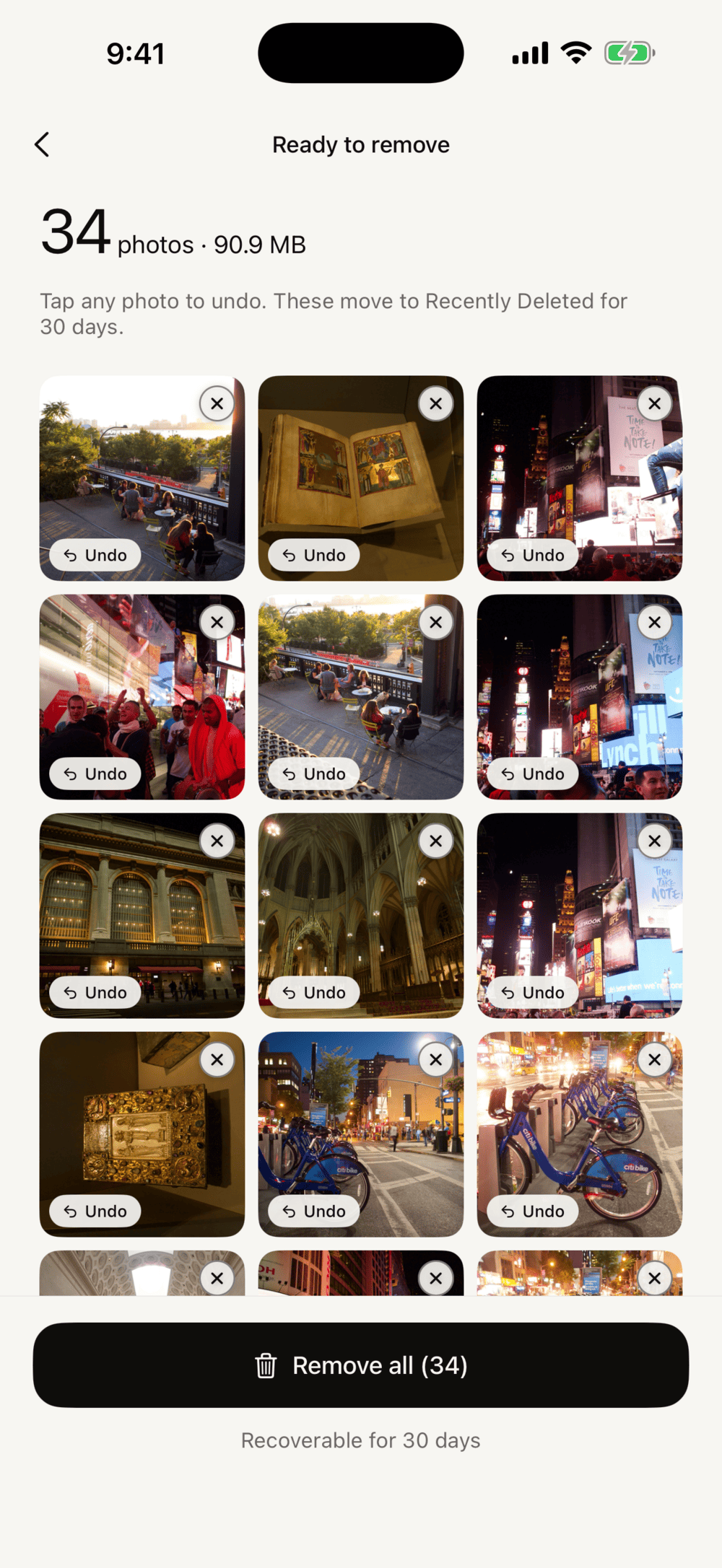
Marked photos sit in a removal list you can undo photo by photo. When you confirm, Brisk uses the standard iOS flow — everything lands in Recently Deleted and stays recoverable for 30 days.
Compare look-alikes with synced zoom, so the sharper eyes and the open smile are easy to spot. Pick the keeper; the rest are marked for you.
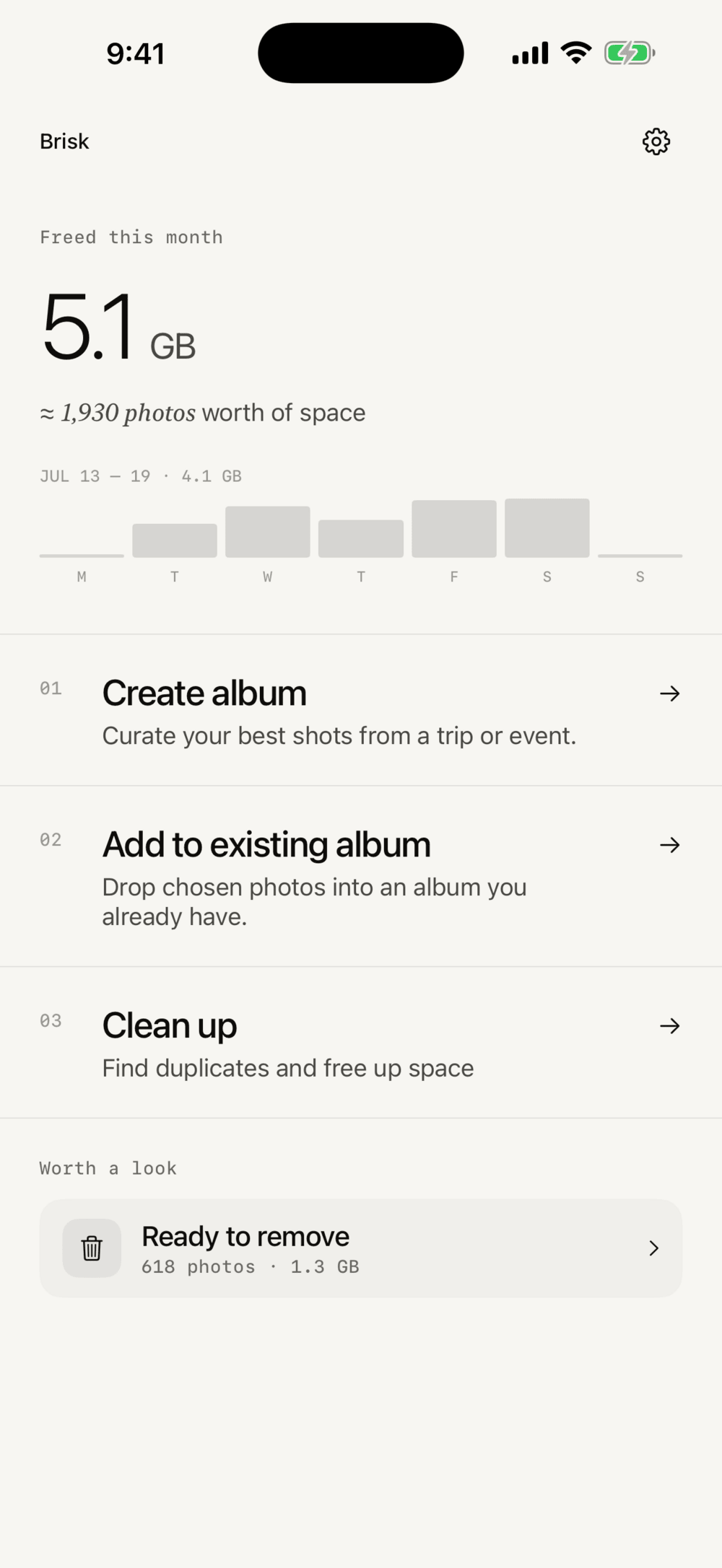
A monthly total and a weekly chart on the home screen, so a few minutes of tidying turns into a number you can see — 5.1 GB, about 1,930 photos worth of space.
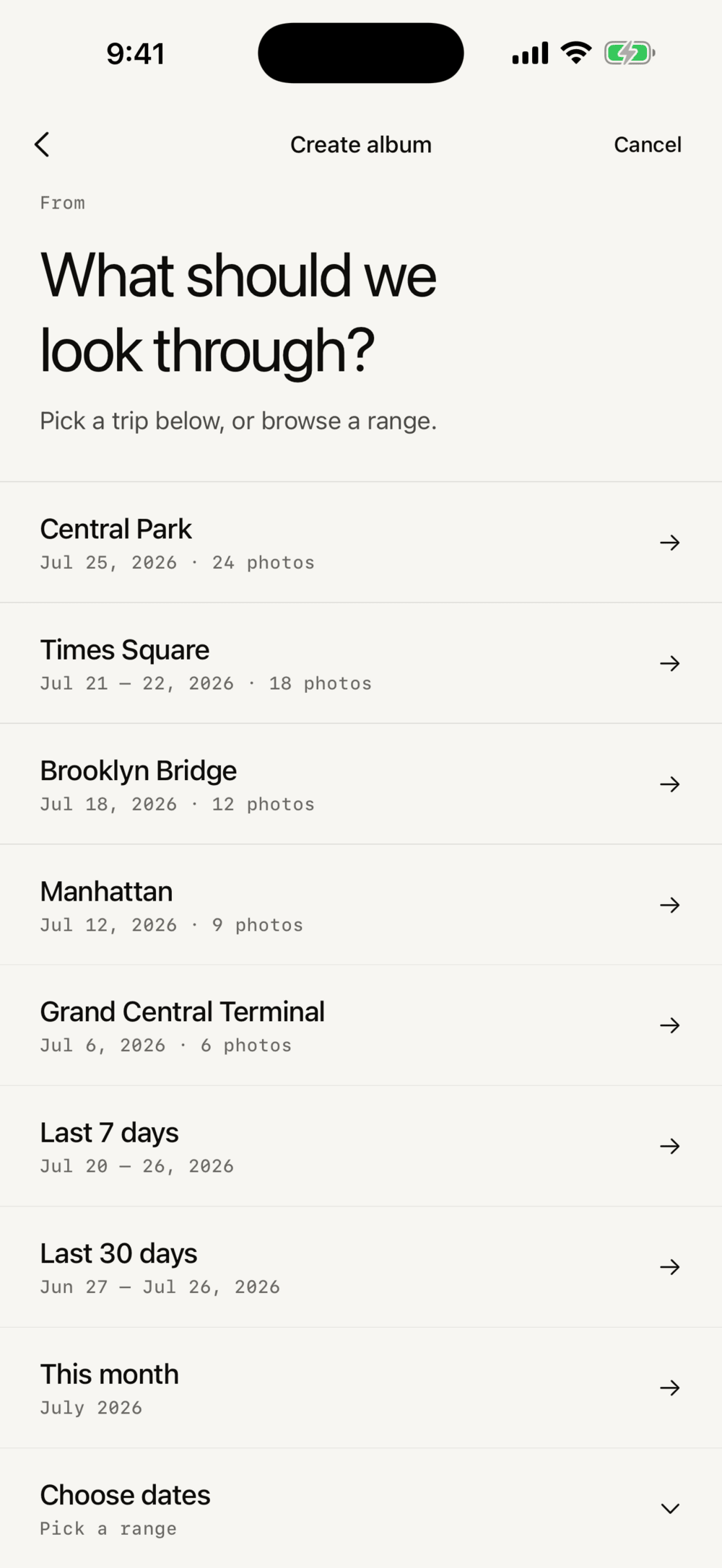
Brisk groups your library into trips and events automatically. Pick one, keep the best shots, and it becomes an album — no dragging, no naming.
All analysis — duplicates, bursts, screenshots, space estimates — runs on your iPhone. Nothing is uploaded.
No sign-up, no email, no profile. Install it and start.
No ads, no analytics, no third-party SDKs. This website sets no cookies either.
Your freed-space stats, in your private iCloud — which even we can't see.
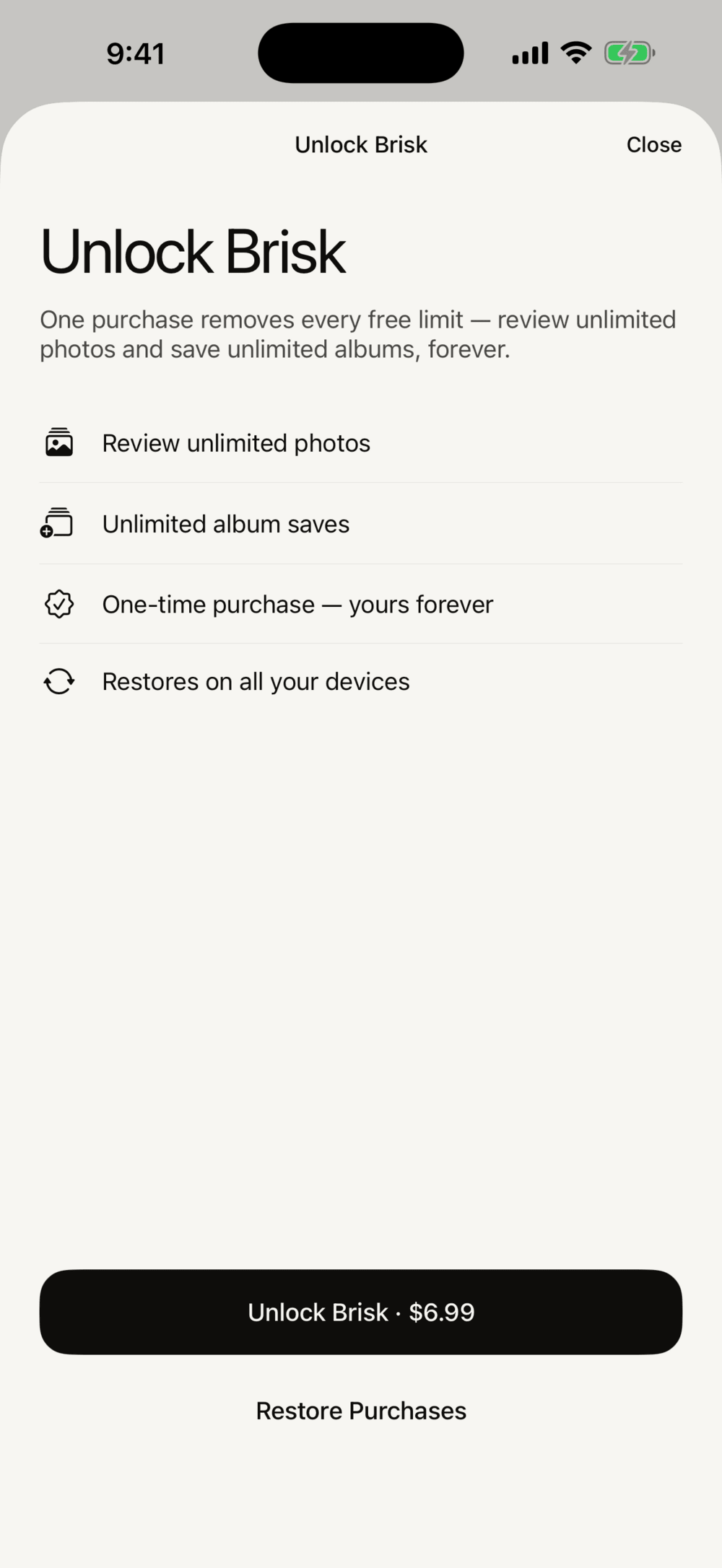
Bought through the App Store, restores on all your devices. iPhone only at launch.
Download on the App Store